Page-count & trim-size changes
Reposition supported cover objects and adjust the spine within the tested KDP paperback rules.
 Adapt a cover
FOR AUTHORS, DESIGNERS & PUBLISHERS
Give an existing cover the right dimensions for its next edition. Keep your artwork, preserve editable structure where possible, and review every adjustment.
Try the browser-local prototype. No account or real payment.
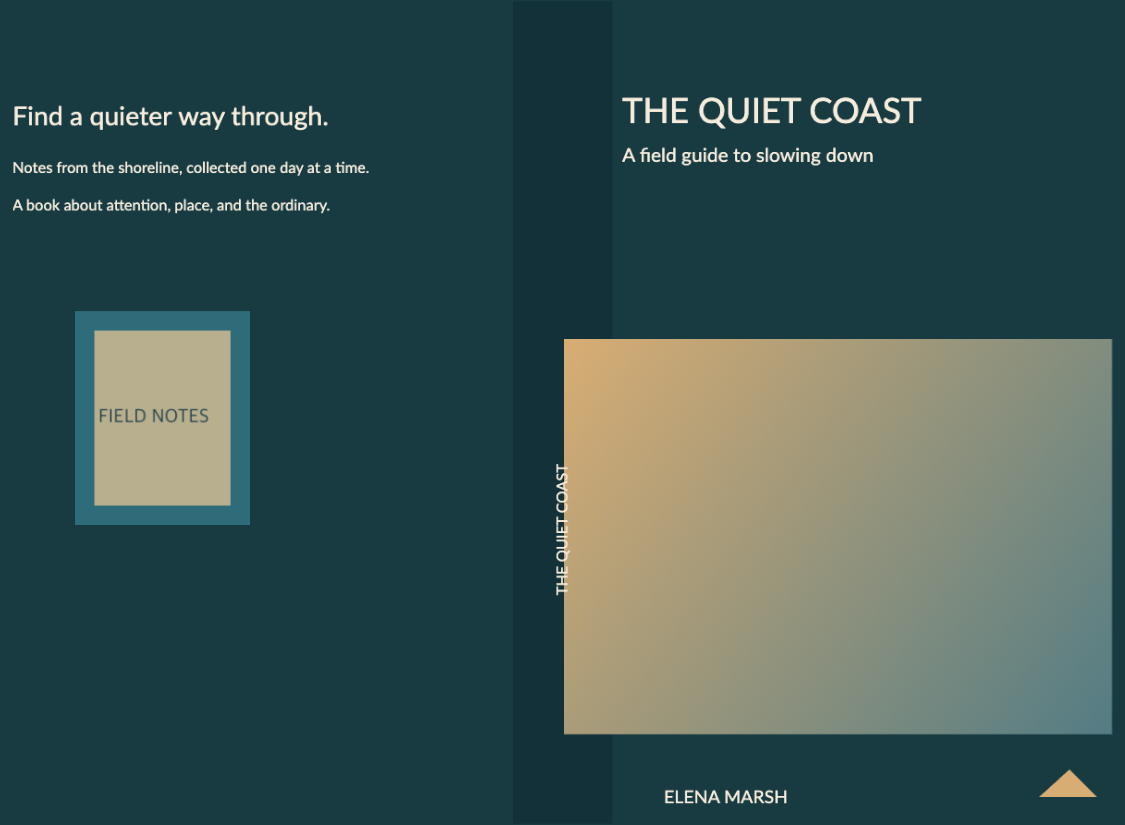
Synthetic test artwork · Layout review required
Preserve the design
Check before adapting
Review before export
A FAMILIAR COVER. A CLEAR PROCESS.
Rebind adjusts the cover you already have. You stay in control of the result.
Start with a full wrap or supported separate front, spine and back artwork.
See what can be edited, preserved or carried forward with limitations.
Set the target trim size and page count within the tested paperback subset.
Inspect the adapted cover and correct placement before you export.
Keep a supported editable master and an available PDF proof.
BUILT AROUND PUBLISHING
Our direction spans trim sizes, bindings and print platforms. Here is what the prototype can do today—and what still needs validation.
Reposition supported cover objects and adjust the spine within the tested KDP paperback rules.
Adapt a supported full cover, or assemble supported back, spine and front files. Native PDF and expanded SVG currently use full-wrap mode.
Native PDF/SVG fixtures exercise boards, hinges and wraps across paperback and hardcover. Printer templates and final outputs still need qualification.
KDP paperback/hardcover and a limited IngramSpark subset have geometry tests. Lulu remains planned; no printer-certified output is available.
START WITH WHAT YOU HAVE
Structured files usually offer more control than flattened artwork. Rebind scans your source before adaptation and explains the available outputs.
Tested simple layers and text metadata can survive. Professional Photoshop files, effects and surgical reflow still need native validation.
Separate text, images and vector artwork can move independently. Existing embedded fonts and supported structure are preserved.
Keep paths, text, images and supported groups. Embedded-font sources can also produce a vector/text PDF proof.
The importer has been tested with synthetic Canva-style layouts. Genuine Canva exports remain an external validation step.
Adapt the artwork as a single image. Text and backgrounds cannot be recovered as separate editable objects.
For partially supported sources, choose Adapt anyway when safe. Unsupported files and hard limits are never silently bypassed.
Check a coverPREVIEW BEFORE EXPORT
An editable source and a printer’s production file serve different purposes. Rebind preserves structure where possible; print requirements may call for a separate finalization step.
Review your coverAdapted PSD, editable PDF or SVG, depending on the file and its compatibility scan.
PDF proofs are available for supported paths. Printer-certified outputs for KDP, IngramSpark and Lulu are not yet available.
Intended model: pay per successful export.
The
prototype uses mock authorization. No subscriptions and no real
charges.

YOUR ARTWORK, ON YOUR DEVICE
In the current prototype, cover files are processed in your browser and are not uploaded to Rebind. The website host still receives normal requests for site assets. Keep your original files; the prototype does not provide cloud project storage.
A FEW PRACTICAL ANSWERS
No. It adapts existing artwork to confirmed dimensions. You can review and correct placement; it does not invent a new design.
The adaptation engine is deterministic, not generative. It uses source structure and geometry rules rather than generating artwork.
The feasibility prototype maps supported PDF/SVG artwork between paperback and hardcover regions. Review added areas, safety warnings and provider limitations before export.
Within the tested simple subset, yes. More complex Photoshop features remain partial. Read the compatibility scan; some files cannot yet produce an adapted PSD master.
Rebind can transform the artwork as one object, but it cannot separate the title, image and background or recover their original editability.
The prototype tests KDP paperback/hardcover and IngramSpark 6 × 9 cream reference cases. Ingram uses checked spine measurements, with no interpolation. Lulu remains planned. No export is printer-certified.
Yes. Review the adapted result before export. The planned model is pay per successful export; this prototype only simulates authorization and charges nothing.
BEGIN WITH YOUR EXISTING COVER
Desktop Chrome recommended · Feasibility prototype